Summary created by Smart Answers AI
In summary:
- Google Chrome is launching agentic AI “autobrowsing” that automates web tasks like form filling, reservations, and license renewals for paid Google AI subscribers.
- PCWorld reports that a new Gemini AI sidebar will be available to all Chrome users, accessing personal data from Gmail and other apps.
- Chrome will also integrate Nano Banana for direct image editing, though this raises potential copyright concerns for users.
Google says that it’s bringing a major change to Chrome users today: a mainstream agentic AI that will “autobrowse” the web for you, performing tasks that you assign it. Chrome’s also getting a sidebar — and yes, with Gemini AI.
Autobrowsing capabilities will arrive today for Chrome users who subscribe to either Google AI Pro ($19.99 per month) or Google AI Ultra ($249.99 per month), while the Chrome sidebar will roll out today for all Chrome users. The move comes a day after Google announced the Google AI Plus plan for $7.99 per month, which will not have access to the autobrowse features.
Essentially, Google sees the autobrowsing as the evolution of its autofill capabilities, which aren’t unique to Chrome. Autofill stores details like your credit card and applies them when necessary, such as to complete a purchase. Autobrowsing simply takes a task and goes out and completes it to the best of Chrome’s ability, leaving the final step — a confirmation of purchase — for you to approve.
Agentic browsing is nothing new; Microsoft showed off an agentic shopping demonstration a year ago, as well as Copilot Mode for Edge last summer. OpenAI has done something similar with the Atlas agentic browser, and others have followed suit. Nevertheless, Statcounter reports that Chrome has about 65 percent of the desktop browser market share for North America, far and away the most dominant browser. Mainstreaming agentic actions, even for a paid subscription, is a significant move.
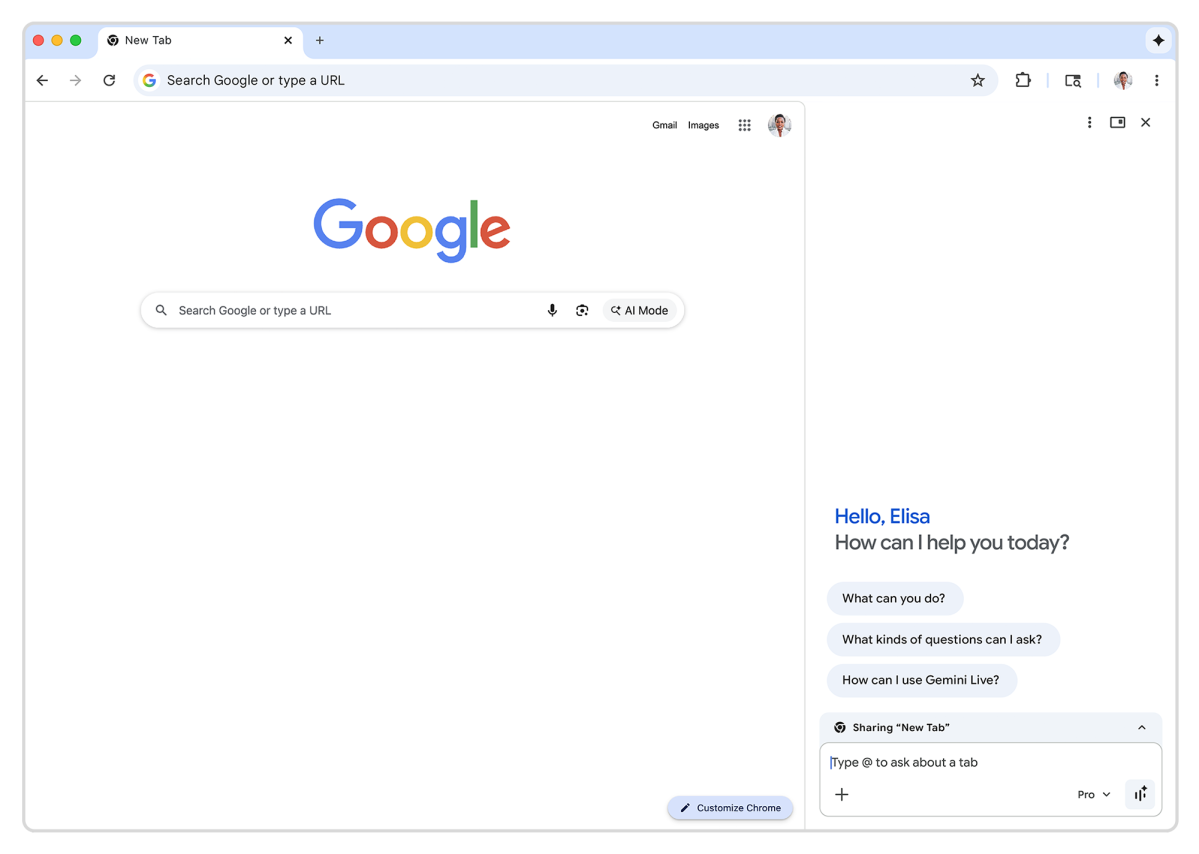
You’ll access auto browse the same way that you’ll interact with Google’s Gemini AI: as a browser sidebar, accessible by clicking the small Gemini icon at the top of the browser. That will open up the sidebar and a text box, and allow you to ask Gemini to start filling out tasks. Google said that auto browse tasks can include filling out PDFs, renewing drivers’ licenses, but also researching trips and other tasks, including scheduling and booking reservations. However, executives said information “that’s happening on the right-hand side is not shared back with the site.”
Google said that the new Gemini sidebar will tap what it’s referred to as “personal intelligence,” remembering past conversations and information you’ve shared with it, which is now included in AI Mode. If you’ve allowed Google access to apps like Gmail, this information will be used, too.
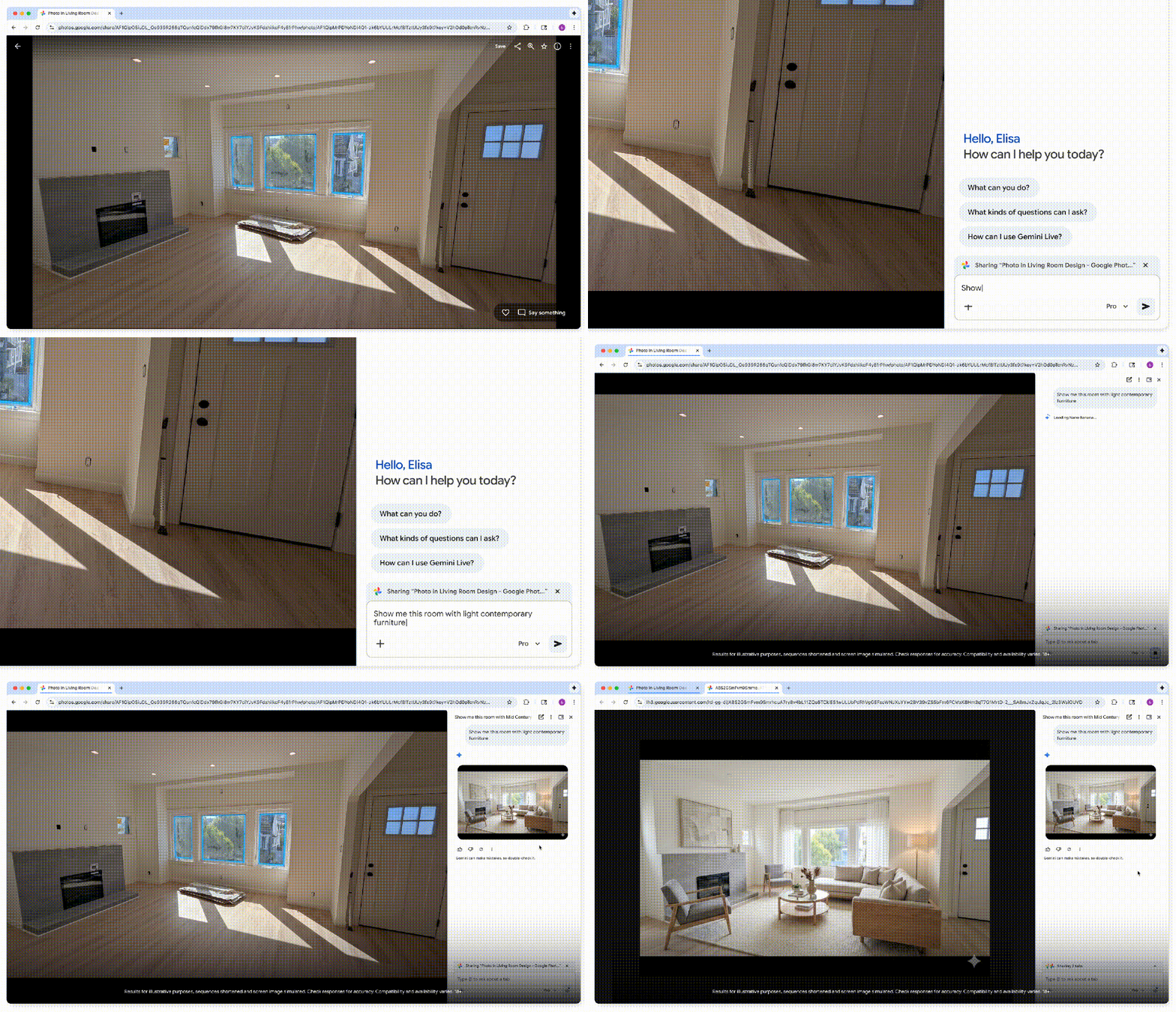
An interesting addition will be support for Nano Banana, Google’s image rendering algorithm. Nano Banana will be accessible by Chrome, so that it will be able to pull in and edit an image that you have in your browser — not just one that you own. Google executives couldn’t say whether there would be any copyright protections in place, or whether users would simply be able to tell the algorithm to edit the image.
Yes, autobrowsing is reserved for paying subscribers — for now. But it will likely move down to cheaper tiers over time, if it proves successful.